Mireth Logo
About Us Contact Us News
separator separator separator separator separator separator

NetShred for
Mac OS 9, Mac OS 8

Overview
Key Features
Quick Tour
Specifications
System Requirements
Screen Shot
FAQ
User's Manual (pdf)
News
Upgrade Info

NetShred X Quick tour

Run NetShred right
out of the box
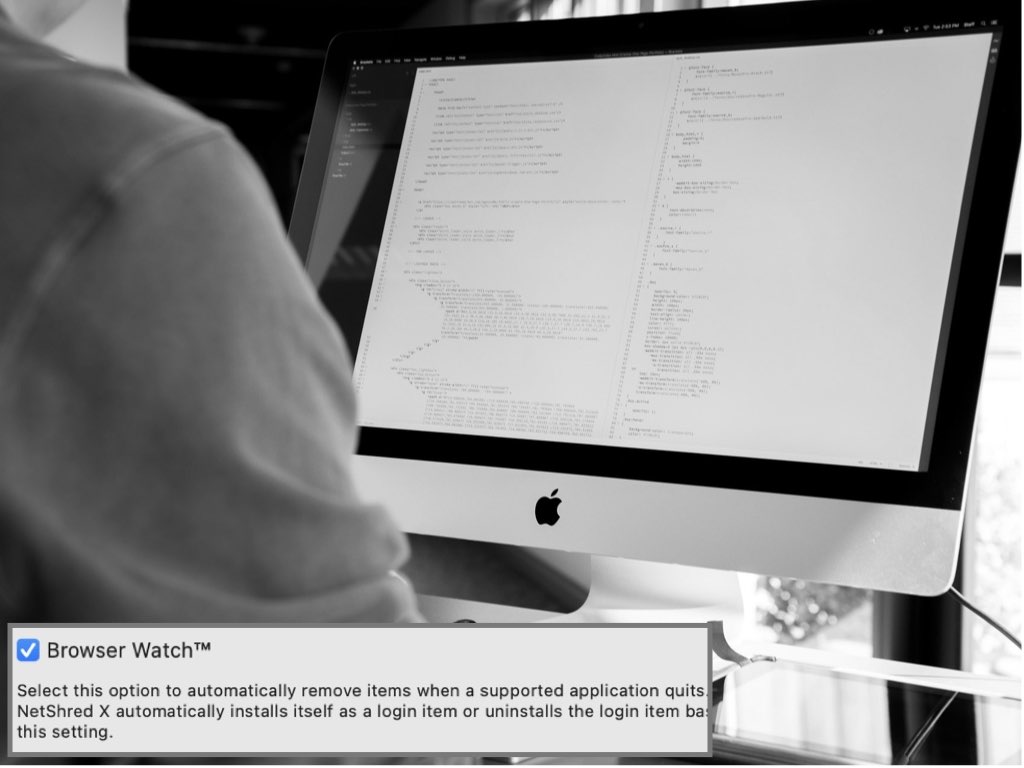
Run NetShred automatically in the background
Restarting NetShred automatically
Advanced Features
Executive Summary

NetShred
Internet Track Eraser

NetShred for Mac OS X
NetShred for Mac OS 9
What is an Internet Track?
Read the Internet Track FAQ
Do you need an Internet Track Eraser?
Take the Test and find out
Is NetShred easy to use?
Take the NetShred Quick Tour and find out
Does NetShred have the features you need?
Review the online Tutorial and find out

News

NetShred for Mac OS 8 and Mac OS 9
Internet Track Eraser

NetShred - Erase internet cache, history Mac OS 8 & Mac OS 9NetShred - Erase internet cache, history Mac OS 8 & Mac OS 9

Clear Cache, erase history with this easy to use Internet Track Eraser, that will automatically erase, not just delete, temporary internet files.

Buy NetShred Mac OS 9 Internet Eraser
CD-ROM for $25.00
Buy NetShred Internet Eraser Mac OS 8 & OS 9
Software Download for $15.00
Download NetShred internet eraser free demo
Download
Free Trial

Learn more about this internet track eraser that offers all the features you need to clean cache, erase history and clear mail trash - as well as the ease of use you really want from internet track eraser software.

Are you concerned about the temporary internet files left on your computer by your web browser and email program? Your web browser stores copies of the images and text that you see in the “cache” folder on your hard disk, as well as a list of the sites that you have visited in a history file. And the email you delete may be in the email trash can until you remember to empty it. Anyone can look through these files and see what information you've been looking at on the web (e.g. personal financial information, web site passwords, other private information).

Clearing your browser cache isn't enough. Clearing these files won't remove the file contents from the hard drive - it just removes the file name from the directory, leaving the data intact and vulnerable. It can still be recovered.

To erase the information, use an internet track eraser, like NetShred. NetShred is internet privacy software that is easy to use, fast and cleaner.

  • Easy because it runs automatically when you quit from your browser or email, so you don't have to remember to use it. You can erase the temporary internet files and free up disk space without ever having to think about this again

  • Fast because it runs in the background, so you don’t have to wait for it. You can use your browser again right away.

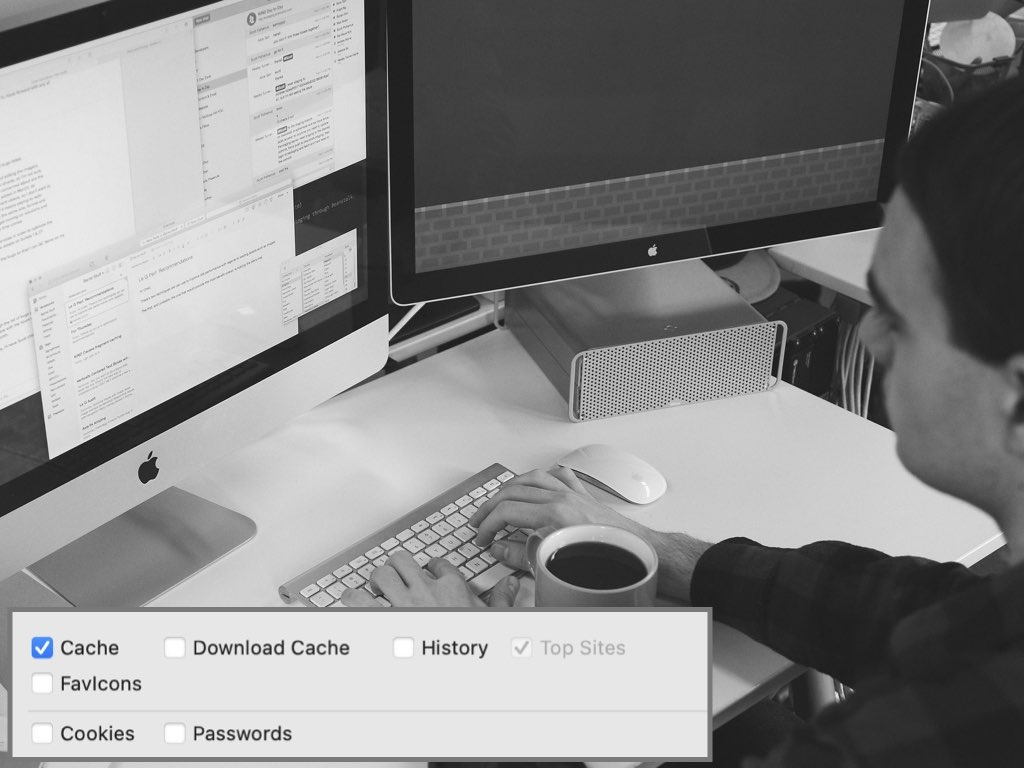
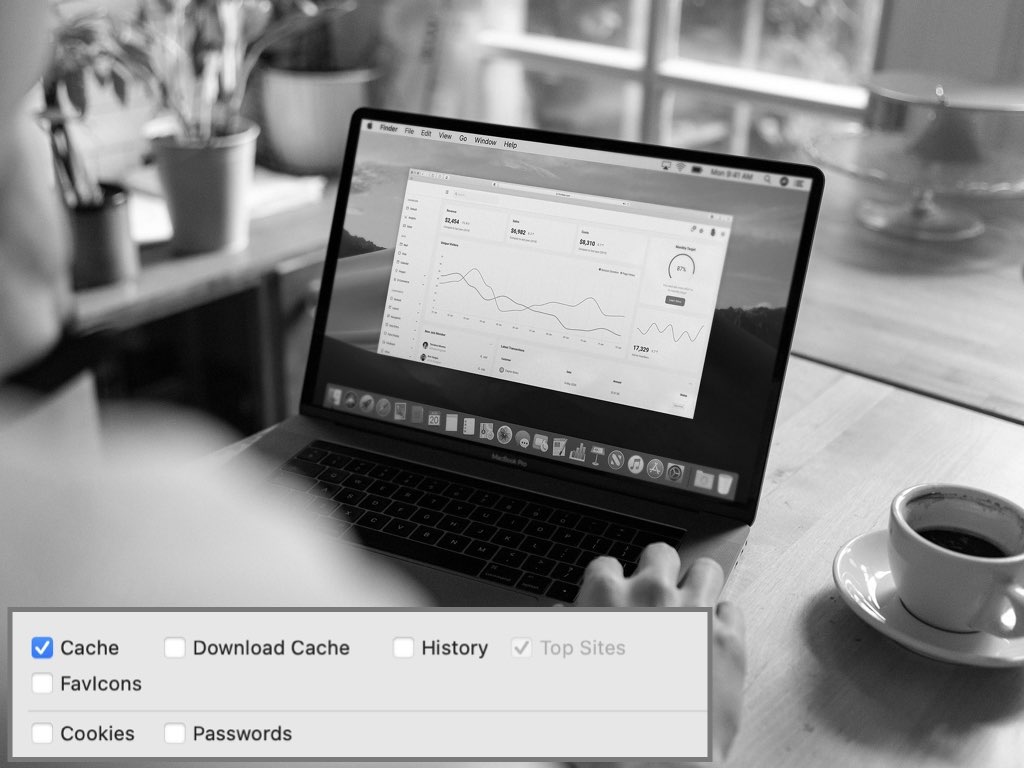
  • Cleaner because it will erase (not just "clear") browser cache, history, download cache and email trash so the files can't be recovered.

To see whether an internet track eraser is right for you, take the NetShred trest. It takes less than 2 minutes to find out.


Key Features:

Easy because it can be run automatically when you quit from your browser or email program

Permanent because it will erase browser cache, history, email trash (not just delete them)

Works with most browsers

"Confirm before shred" option

Supports Netscape profiles

Overwrite Options - A configurable overwrite pattern and number of overwrites.

Free demo

Proven Track Record - NetShred software has been sucessfully erasing data for over 5 years.


Find out for yourself how easy it is to
erase your internet tracks.

Download a free trial of
NetShred the Internet Track Eraser NOW.

cow

"This is an easy, permanent way to destroy Web browser cache, Web browser history files and e-mail trash."

Tucows
tucows

cow

"A must if you are concerned who might stumble onto your tracks."

"I ran the demo and am really impressed with the program. I'll certainly buy the key. NetShred is a terrific application."

Ken A.

starstarstarstarstar

"Good product! Have been using earlier version for 9 months with no problems on os 9.0.4, 9.1, or 9.2.1. Good options, displays files being erased as a nice feature."


"Thank you so much. My NetShred works fine .... I love that sense of security."

d


"Netshred is fantastic, I'm running 1.8 and it works a treat..."

td

iVCD | MacVCD | Music Man | NetShred | ShredIt | To The Trash!
Home | Products | Demo | Download | Purchase | Support | Resources | News | About Us | Contact Us | Press Room | Privacy Policy | Site Map

Mireth Technology New Feed (RSS 2.0) Copyright © 2001-2008 The Mireth Technology Corporation. All rights reserved. webmaster: support@mireth.com